Print it. Or find it.
Keep printable geometry and purchased components together, with materials, source links, costs, and build notes.
From “what if” to a thing you can hold. Design with your AI agent. Bring parts together. Make the next iteration better.
Your agent. Your projects. Every revision accounted for.
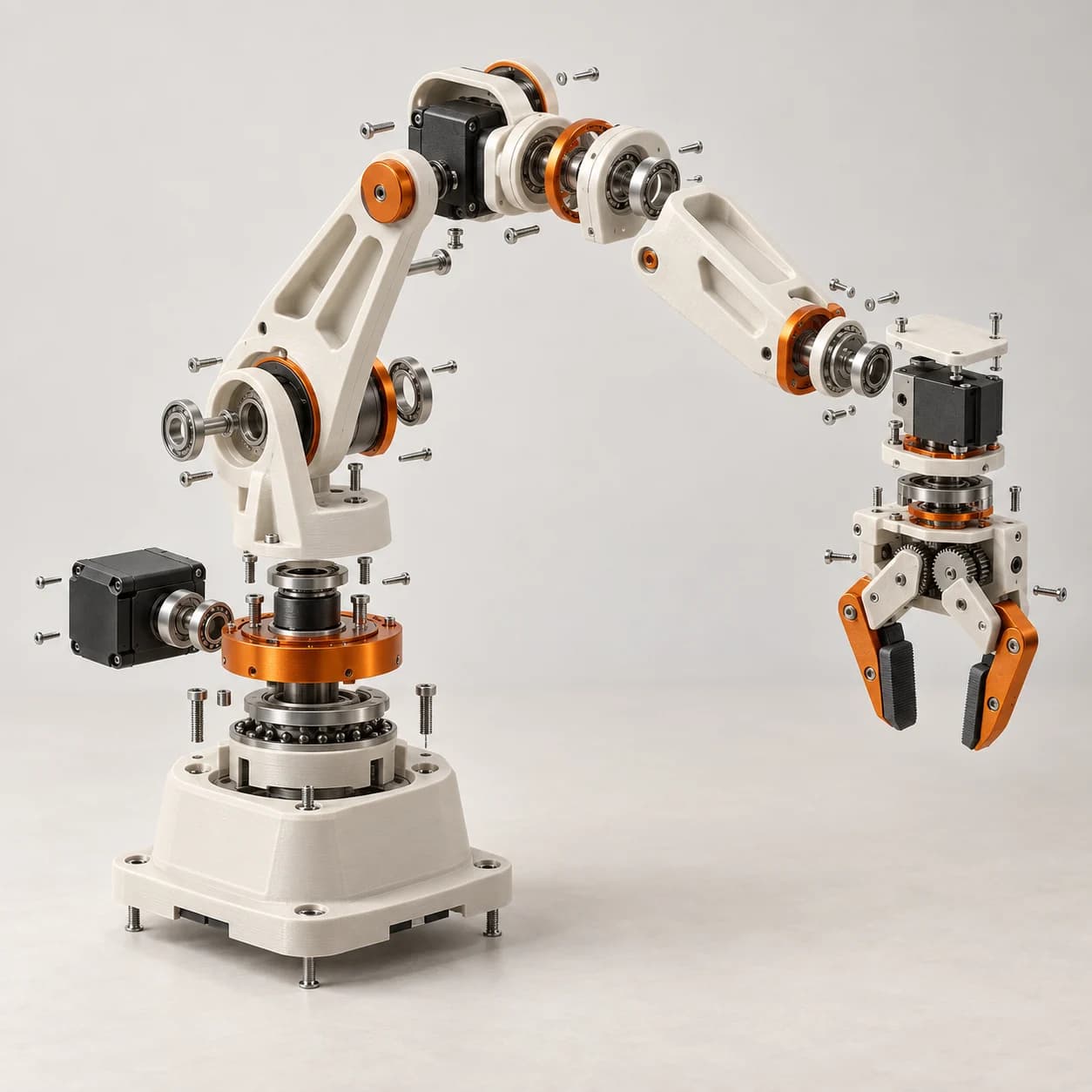
Your geometry, sourced components, and design evidence belong together. Keep the context that makes the next decision easier.
Keep printable geometry and purchased components together, with materials, source links, costs, and build notes.
Build reusable subassemblies. Pin each placement to an exact revision, so you always know what you’re looking at.
Check dimensions, clearances, budgets, and supported models. Rerun the same requirements as your design evolves.
Bring modeled electronics, wiring, mechanisms, and controls into the same project, with their assumptions and evidence.
Sign in, choose your group, and connect an MCP-compatible assistant.
Your agent creates parts, assembles revisions, and records your constraints.
Review in 3D, compare evidence, and ask for the next change.
Illustrative workflow. Actual test outcomes depend on your design and recorded inputs.
A custom enclosure. A smarter fixture. Your first robot. Give the whole project a home.
Printed parts, bought components, and a prototype worth iterating.
Jigs, mounts, enclosures, and fixtures made around your constraints.
Keep mechanical, electrical, and control models in conversation.
Fixtures, enclosures, mechanisms, robotics prototypes, and assemblies that combine printed and purchased parts. Start with a physical design brief and let your connected agent create structured parts, assemblies, sourcing notes, and test contracts.
Connect an MCP-compatible agent using a group-scoped token. Your agent interprets your brief and calls PartShaper’s structured design tools. The browser lets you inspect saved designs, view revisions, and run saved test suites. Your AI service is separate.
Yes. Download exact-revision part meshes and printed assembly STL exports. Review geometry and export warnings before fabrication; an exported file alone does not establish printability, fit, strength, or safety.
The viewer runs in your browser and uses WebGPU for 3D rendering. You’ll need a compatible browser and an MCP-compatible agent for saved design changes. If WebGPU is unavailable, project information remains accessible and the viewer explains the limitation.
No. Saved tests and supported numerical models provide design evidence within their stated assumptions. Fabrication, fit, electrical safety, mechanical strength, and real-world performance need physical checks. Concept images on this page are illustrations, not validated products.
Give your ideas a place to take shape.
Start building for free Sign in with Client Explorer. Bring your own MCP-compatible agent.